 All Doc to PDFby DEVOSS
Your documents to PDF.
No Internet needed.
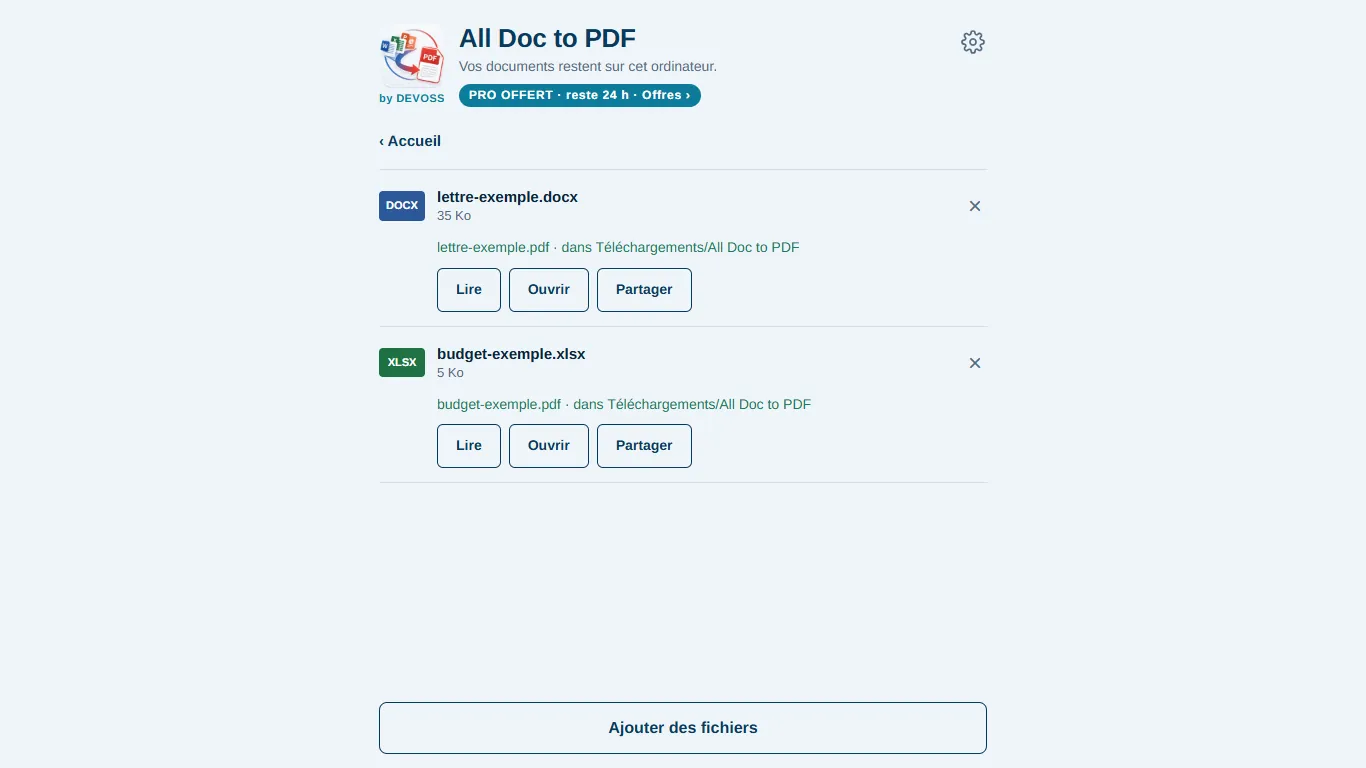
Word, Excel, PowerPoint to PDF and back, scanning, signing and a PDF reader. Everything happens on your phone or computer: no file is ever sent over the Internet.
Installing the APK: open the downloaded file; if Android asks, allow “Install unknown apps” for your browser, then tap Install.
Free to try. Pro from 200 FCFA (≈ €0.30).
Why All Doc to PDF
Total privacy
Contracts, invoices, client files: nothing goes to a server, unlike online converters.
Works offline
At the office, on the move or without a connection: conversion happens on the spot, no upload wait.
Simple and fast
Pick your files, tap Convert. In French, English and Chinese, with a built-in user guide.
What the app does
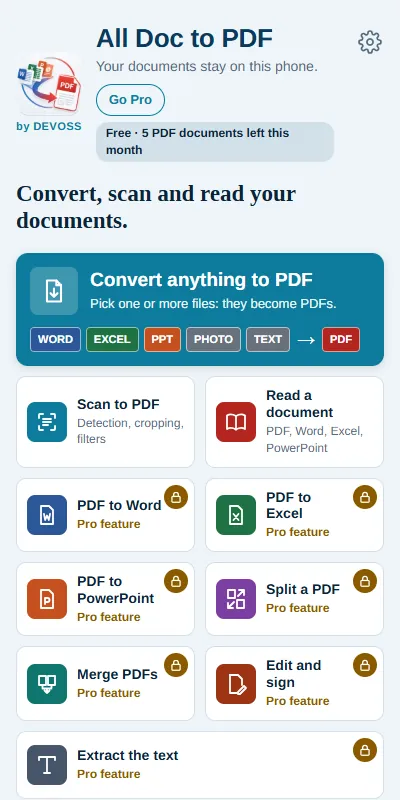
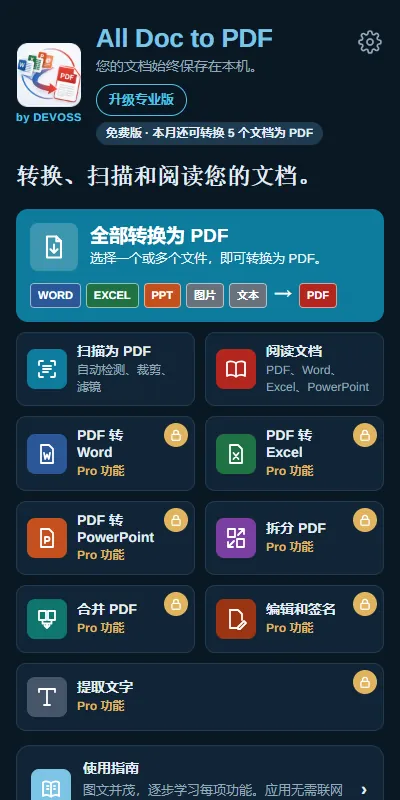
- Word, Excel, PowerPoint, LibreOffice, text and photos → PDF
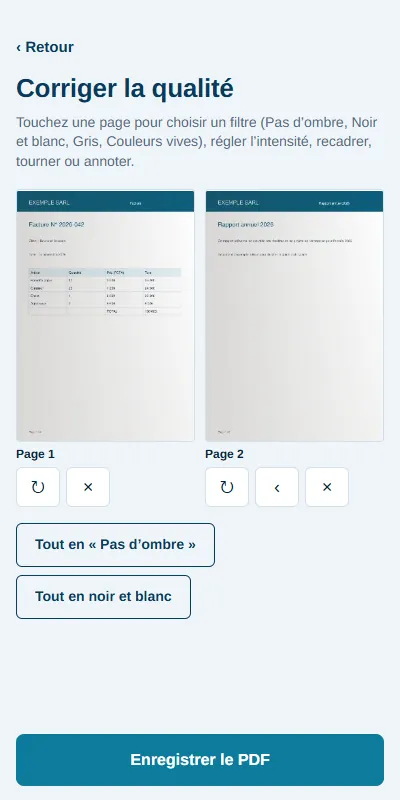
- Scan documents to PDF, with quality fixes
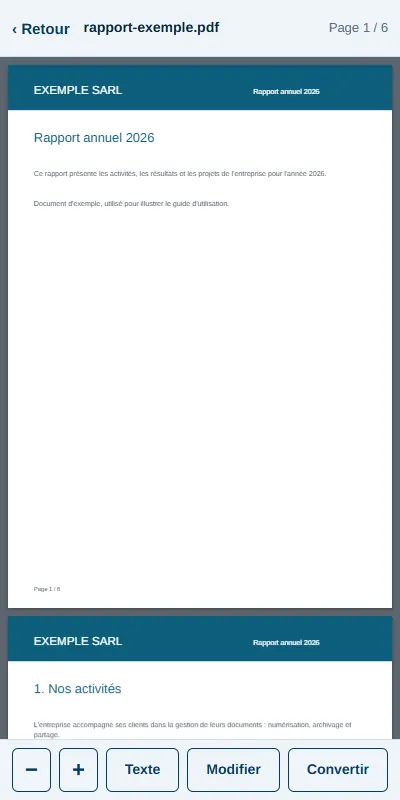
- PDF, Word, Excel and PowerPoint reader
- PDF → Word, Excel, PowerPoint (Pro)
- Split, merge, edit and sign a PDF (Pro)
- Extract text from a photo or a PDF (Pro)
Screenshots
Free or Pro
| Free | Pro | |
|---|---|---|
| Convert anything to PDF | 5 documents per month | Unlimited |
| Scan to PDF (quality fixes included) | 3 pages per scan | 50 pages per scan |
| Read a document | Included | Included |
| PDF to Word, Excel, PowerPoint | — | Included |
| Split, merge, edit and sign | — | Included |
| Extract text | — | Included |
| “Made with All Doc to PDF” note | Yes | No |
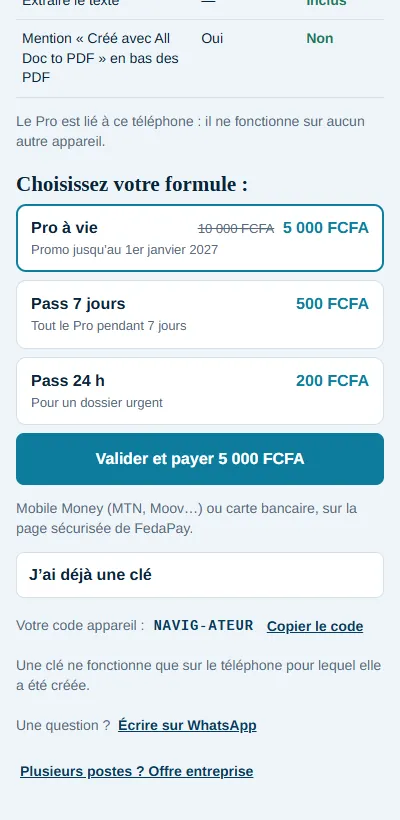
Lifetime Pro 5 000 FCFA (≈ €7.62) instead of 10 000 FCFA (≈ €15.24) until 1 January 2027 · 7-day pass 500 FCFA (≈ €0.76) · 24-hour pass 200 FCFA (≈ €0.30). Pay by Mobile Money or bank card (FedaPay) from the app: Pro switches on by itself after payment, on your device.
For businesses
Firms, secretariats, freight forwarders, public offices: equip several phones and Windows PCs, one license per device. 2,000 F per device from 5, 1,500 F from 20.
Frequently asked questions
Are my files sent anywhere?
No. Conversion happens entirely on your device. The app only goes online for its updates and for paying for Pro.
How do I activate Pro?
In the app: Go Pro, choose a plan, tap Confirm and pay. Pro switches on by itself after payment, no code to type.
Can I use Pro on another device?
Pro is tied to the device it was paid on: it does not work on another one. For several devices, use the business offer.
How do I get updates?
As soon as your device is online, the app offers you the new version.